Blender 1: Beginners
Blender is a free program for making 3D models, game objects and cartoons. The course takes a complete beginner from installing it to a first rendered picture, one small step at a time.
- 100% free
- 6 lessons
- No experience needed
- Windows and Mac
Blender can look crowded the first time it is opened, with buttons and menus everywhere. This course makes it calm. Each lesson teaches one small skill, the learner tries it straight away, and the next lesson builds on it.
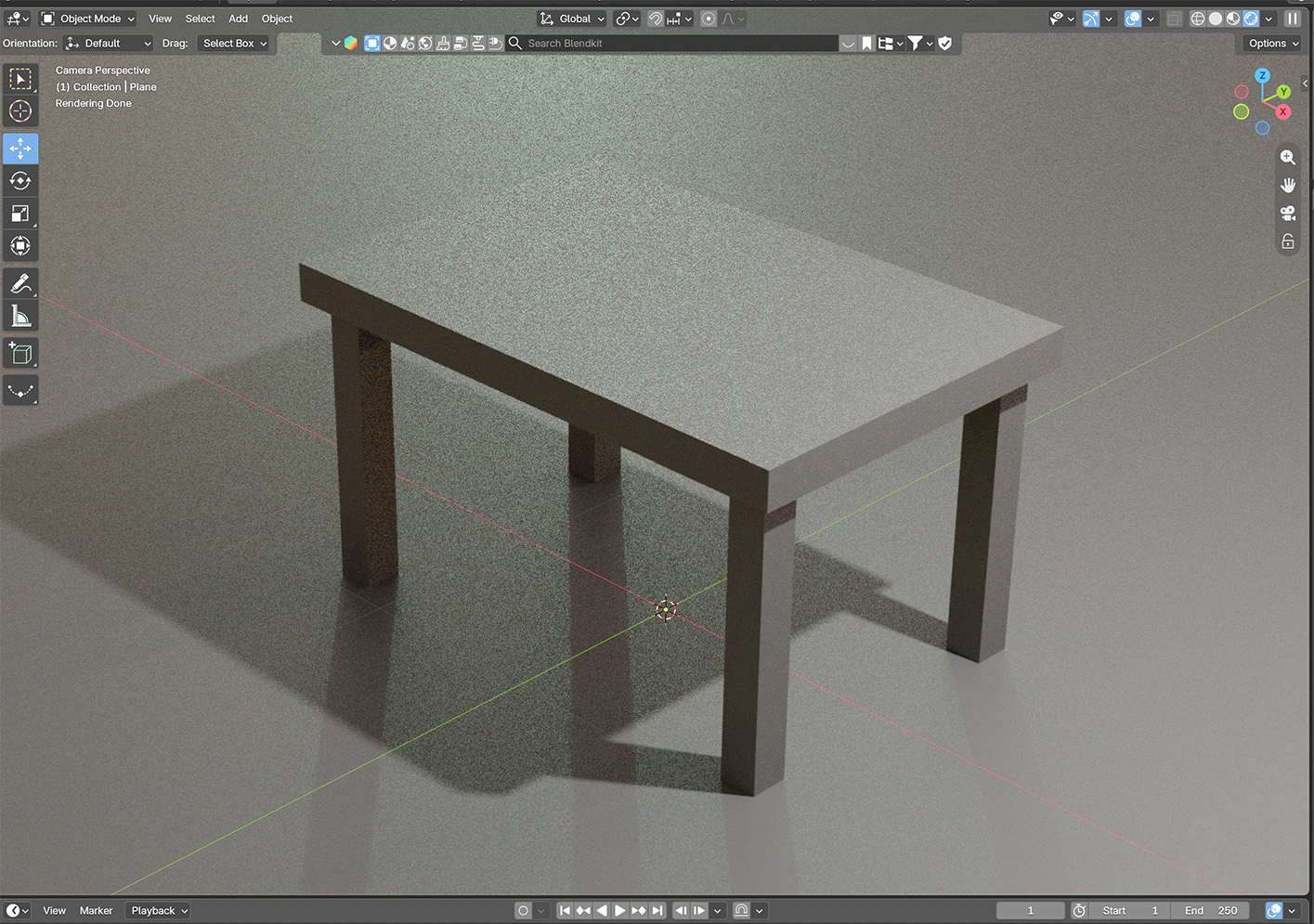
By the end, every learner has made a real model, a table, from basic shapes, and saved a rendered picture of it.
What Learners Can Do by the End
- Install Blender on a computer
- Navigate the Blender screen with confidence
- Move objects around a 3D scene
- Build a simple table from basic shapes
- Shape a model in Edit Mode
- Render and save a first picture
1 What Learners Build
Learners build one project from start to finish: a simple table made from basic shapes, with a floor, a camera view and a rendered picture of the scene. One project means every lesson has a clear purpose, and progress is visible on screen.
2 The Six Lessons
Getting started
- 1Welcome to BlenderWhat Blender is, how to install it on Windows or macOS, and opening it for the first time.
- 2The Interface and PreferencesHow to find the way around the screen and set Blender up for comfortable use.
- 3Moving Around the 3D ViewHow to look around a scene with a mouse or a laptop trackpad.
Building the project
- 4Moving Objects and Building a TableHow to place and move shapes to make the table.
- 5Shaping with Edit ModeHow to change a shape by working on its points, edges and faces.
The first render
- 6Render Your TableHow to turn the scene into a finished picture and save it.
3 How the Course Works
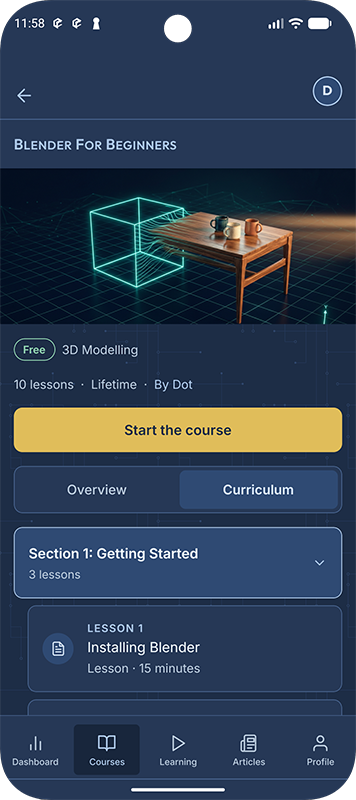
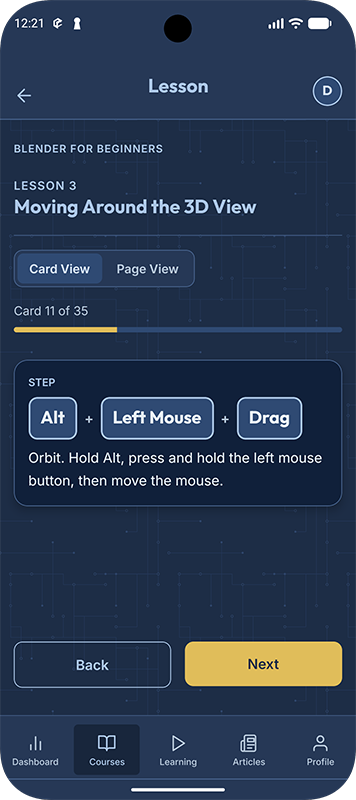
In the CulerLearn app, each lesson appears as step-by-step cards. A card shows the action in large type, with a plain instruction underneath, and the app saves the learner's place, so it is easy to stop and continue later. The lessons can also be followed on the website.
Completely free
All six lessons are free, and the course is complete on its own. Learners finish with a model they built and a picture they rendered, and there is nothing more to buy.
4 Who It Is For
Anyone who has never opened Blender: students, hobbyists and the simply curious. No experience and no drawing skill are needed. The course uses Blender 5.2.
5 What Is Needed
- Blender itself, which is free to download from blender.org. Lesson 1 shows how to install it.
- A Windows or macOS computer. Blender 5 needs a Mac with an Apple silicon chip.
- At least 8 GB of memory, and about 300 to 400 MB of space for the download.
- A mouse with a scroll wheel is helpful but not required. Lessons 2 and 3 cover laptop trackpads.
6 Where Blender Can Lead Next
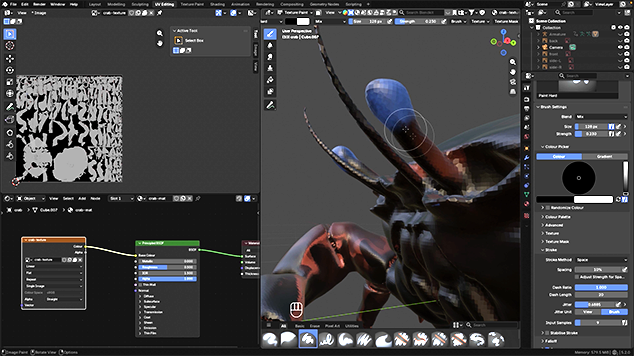
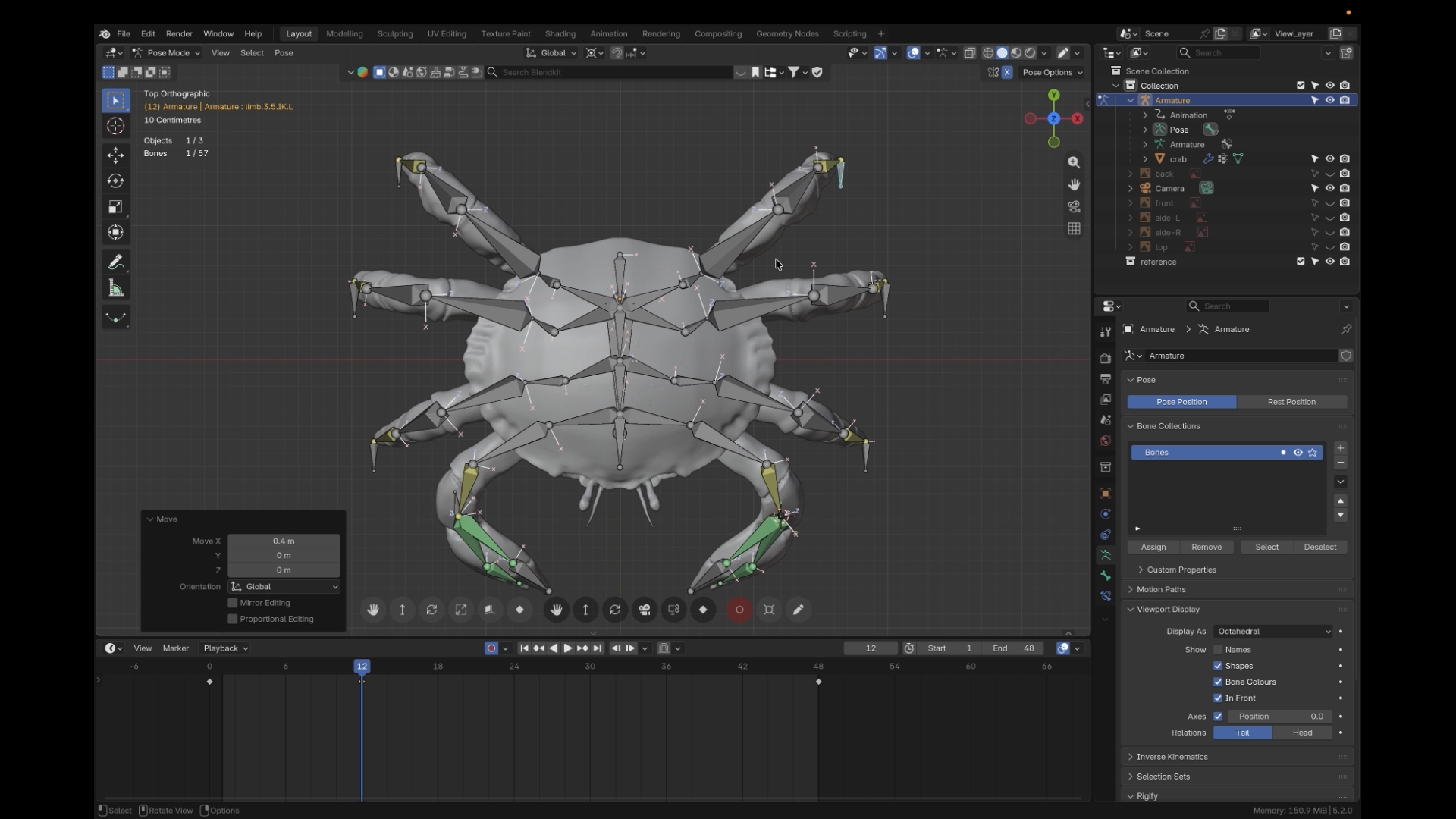
Blender 1 is a full course by itself. For learners ready to go further, Blender opens up a lot. A crab was modelled, rigged and animated in Blender, and it now runs as a game in the browser. The game is free to play. A separate course, Rigging and Animating a Creature in WebGL, shows how it was built, from Blender to a playable Three.js game.
7 The Tutor
The course is written by a tutor who enjoys using Blender every day to create interesting models and experiences. Each step is explained in plain language, so that learners can enjoy it too.
A First 3D Model Starts Here
Learners install Blender, build a table, and save a first render. All six lessons are free.
Learners can ask questions and share their work in the Build in 3D group on Facebook.
Provided by a UK Certified Tutor