Blender 2: Intermediate
Blender 2 builds on Blender 1. You make a mug from scratch, copy it, and finish with colour, light and a polished picture. Each lesson is a set of short cards, so you learn one small step at a time. …
Overview
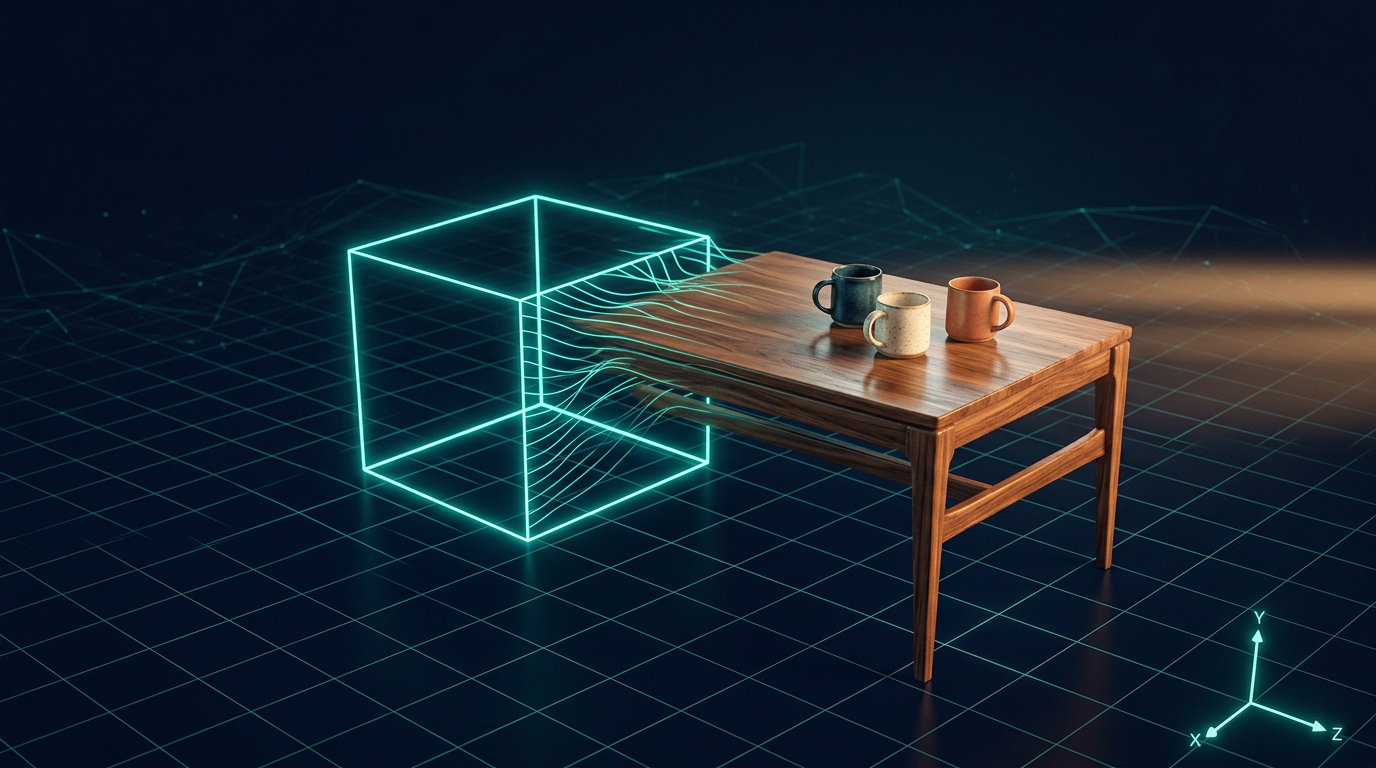
Blender 2 builds on Blender 1. You make a mug from scratch, copy it, and finish with colour, light and a polished picture. Each lesson is a set of short cards, so you learn one small step at a time.
Along the way you return to the table from Blender 1 and put three mugs on it, each with its own handle. Then you add colour and light, and render your final picture. This course is coming soon.
Start with Blender 1
This is a paid course, and it follows on from the free Blender 1: Beginners course. You use the table that you build there, and you should be comfortable moving around the 3D view and working in Edit Mode. You do each step in Blender 5.2 on Windows or macOS, and read the cards on your phone, tablet or the computer itself.
I recommend the CulerLearn app, which shows each lesson as cards that guide you one step at a time and keep your place.
See It in the App
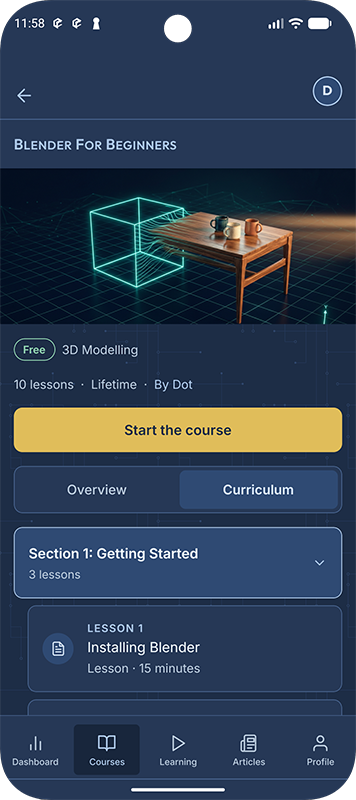
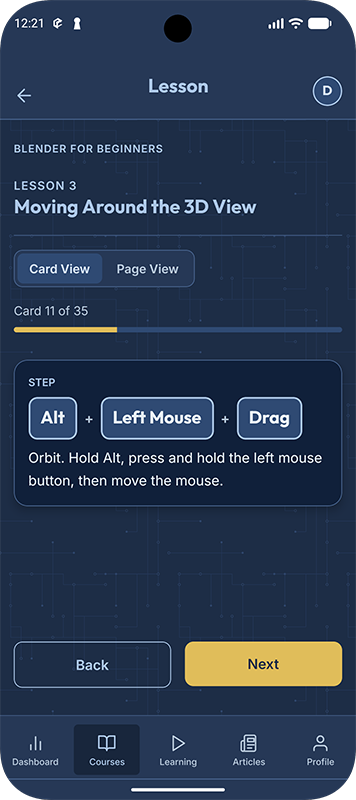
Each lesson is a set of short cards. The keys to press are shown large at the top, with a plain instruction underneath, so you can follow along in Blender one step at a time.
What You Will Learn
By the end of this course, you will be able to:
- Model a mug from a simple cylinder
- Add a handle and join it to the mug
- Smooth your model with modifiers
- Copy objects to fill your scene
- Add colour and light
- Render a polished final picture
The 5 Lessons
- Making the First Mug. Start with a cylinder and hollow it out to make the body of a mug.
- Adding the Handle. Add a ring shape called a torus, then join it to the mug and place it.
- Smoothing and Copying. Use modifiers, which change an object without altering it permanently, to smooth the mug and make the other two.
- Colour, Light and Your Final Render. Give your objects colour, add lights, then render and save a polished picture of your table and mugs.
- Free Project with a Checklist. Make something of your own, and tick off what you used from the course.
What You Need
- The table from Blender 1: Beginners, or the skills to build one quickly.
- A computer running Windows or macOS. Blender 5 needs a Mac with an Apple silicon chip.
- At least 8 GB of memory, and room for a download of about 300 to 400 MB.
- A mouse with a scroll wheel is helpful, but not required. Blender 1 shows how to manage on a laptop trackpad.
Who is it for? Anyone who has finished Blender 1, or who already knows the basics of moving around Blender and building simple shapes. You finish with a scene of your own making, and the confidence to start projects without a guide.
Coming Soon
Get the CulerLearn App
Blender 2 will be in the CulerLearn app, open to learners worldwide. Start with Blender 1 now, and you will be ready.
Instructor

Curriculum
You May Like
Computer Vision 1: Using YOLO
Build your first computer vision project. In five short lessons, you set up YOLO and make it find things in your own photo.
The Learning Mindset
Most people who struggle to learn are not short of ability. They are short of the right conditions: a settled mind, a clear reason and...

Python 2: Foundations for the Age of AI
This course takes your Python further. You already know the basics from Python for Beginners 1. Now you learn to plan your code, keep it...

Python 1: Foundations for the Age of AI
Many people try Python, get lost, and give up. This course takes a different route. You start with a pen and paper, not a computer....

Python and Data Analytics
Every job now uses data. Sales, school results, farm records, customer lists: they all hold answers, but only if you know how to read them....
Course Features
- Lectures 6
- Quiz 0
- Duration 10 weeks
- Skill level All levels
- Language English
- Students 1
- Certificate No
- Assessments Yes