
What Can You Make with Blender? From Pictures to Films
Blender is a free program for making 3D things on a computer. You can use it to make still pictures, cartoons, game objects and even full-length films.
Blender has a special place in my heart. I have used it for over 10 years.
Many people think 3D is only for experts or big companies. It is not. Blender costs nothing, and anyone can start.
What Is Blender?
A 3D object has width, height and depth, just like things in real life. In Blender you build objects like this on your computer. You can give them colour, light them as if they were on a film set, take a picture of them, and make them move.
It is all in one program, and it runs on Windows, macOS and Linux. Blender is also open source, which means its code is public. Anyone can study how it works and help to improve it.
Where Blender Came From
Blender began in the 1990s at NeoGeo, a Dutch animation studio. Ton Roosendaal, who co-founded the studio, led the work. At first it was a tool for the studio's own artists.
Later, a company set up to sell Blender ran into money trouble and was shut down, and Blender's future looked uncertain. In March 2002, Ton Roosendaal started the Blender Foundation, a non-profit organisation. It ran a campaign called "Free Blender" to raise €100,000, so that the source code could be bought from the investors and shared with everyone. The campaign reached its goal in about seven weeks.
On 13 October 2002, Blender was released as open source under the GNU General Public Licence (GPL), a licence that lets anyone use, share and change the software. Today a team of volunteers from around the world carries on the work.
Free, and Yours
You can use Blender for any purpose, including paid work and business.
What you create with Blender is your own property. Your images, your videos and your Blender files are yours to use as you like, whether you keep them, share them or sell them.
Many programs of this kind cost a lot of money. Blender does not, and that is one reason students, artists and small studios around the world use it.
How 3D Works in Four Steps
Almost every 3D picture goes through the same four steps. Once you know them, Blender makes much more sense.
- Build. Make the shape of your object. This is called modelling. It could be a table, a mug or a character.
- Colour. Give the object a look. In Blender these looks are called materials. They can be wood, metal, glass, skin or paint.
- Light. Add light, such as a lamp or the sun. Light and shadow are what make a scene look real.
- Take the picture. Place a camera and let the computer make the final image. This step is called rendering.
For a film, you add one more thing: movement. You make the object, the light or the camera move, and Blender renders many pictures, called frames, one after another. Played quickly, the frames become a video.
What You Can Make
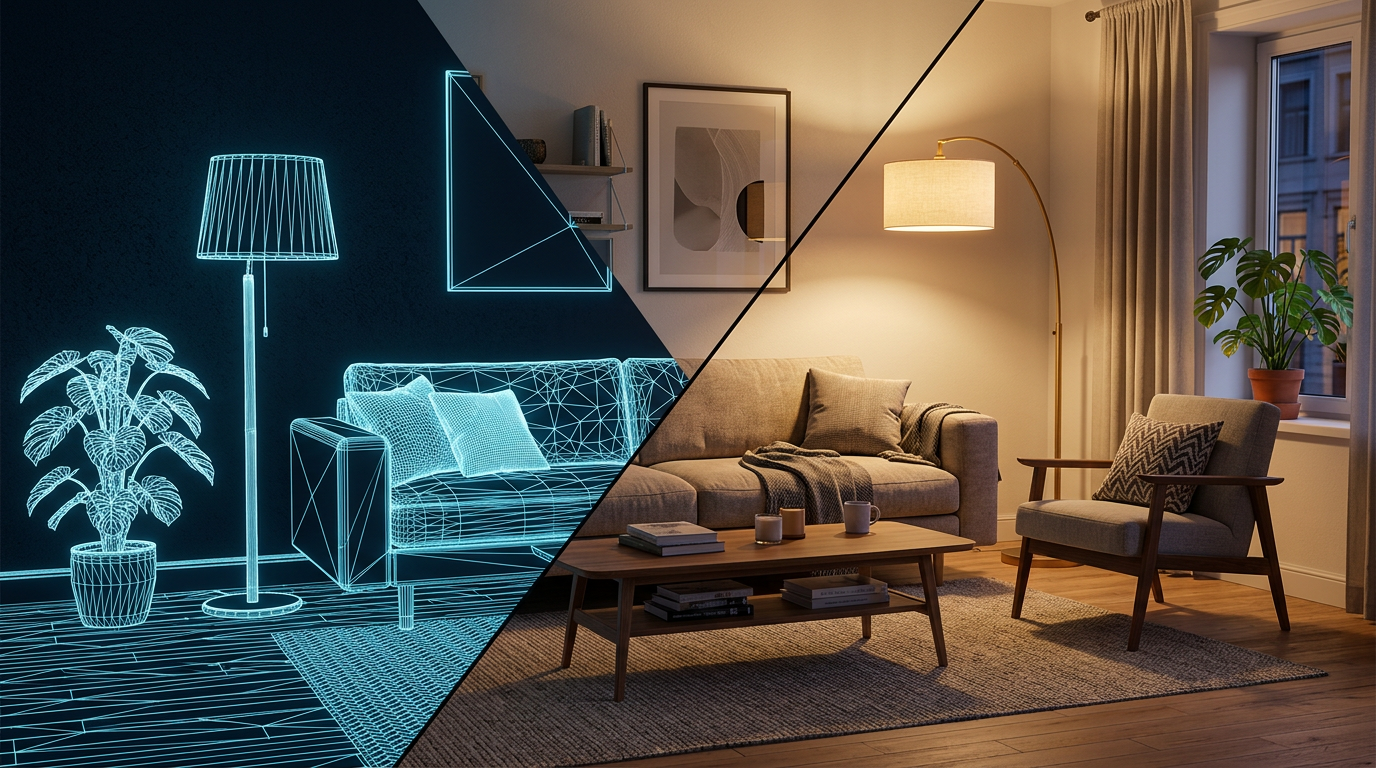
Pictures
Build a room, a house or a product, light it, and take a picture of it.
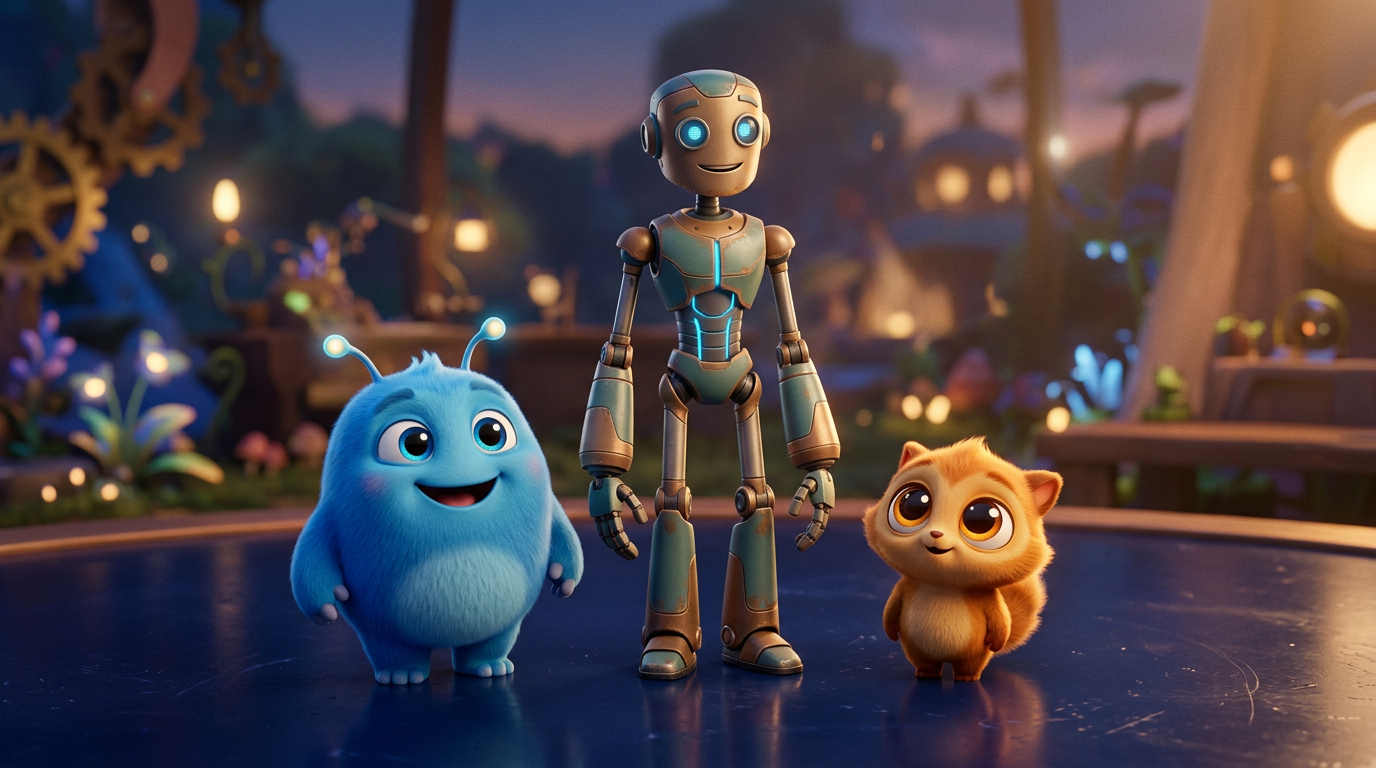
Cartoons
Make a character, then bring it to life and make it move.
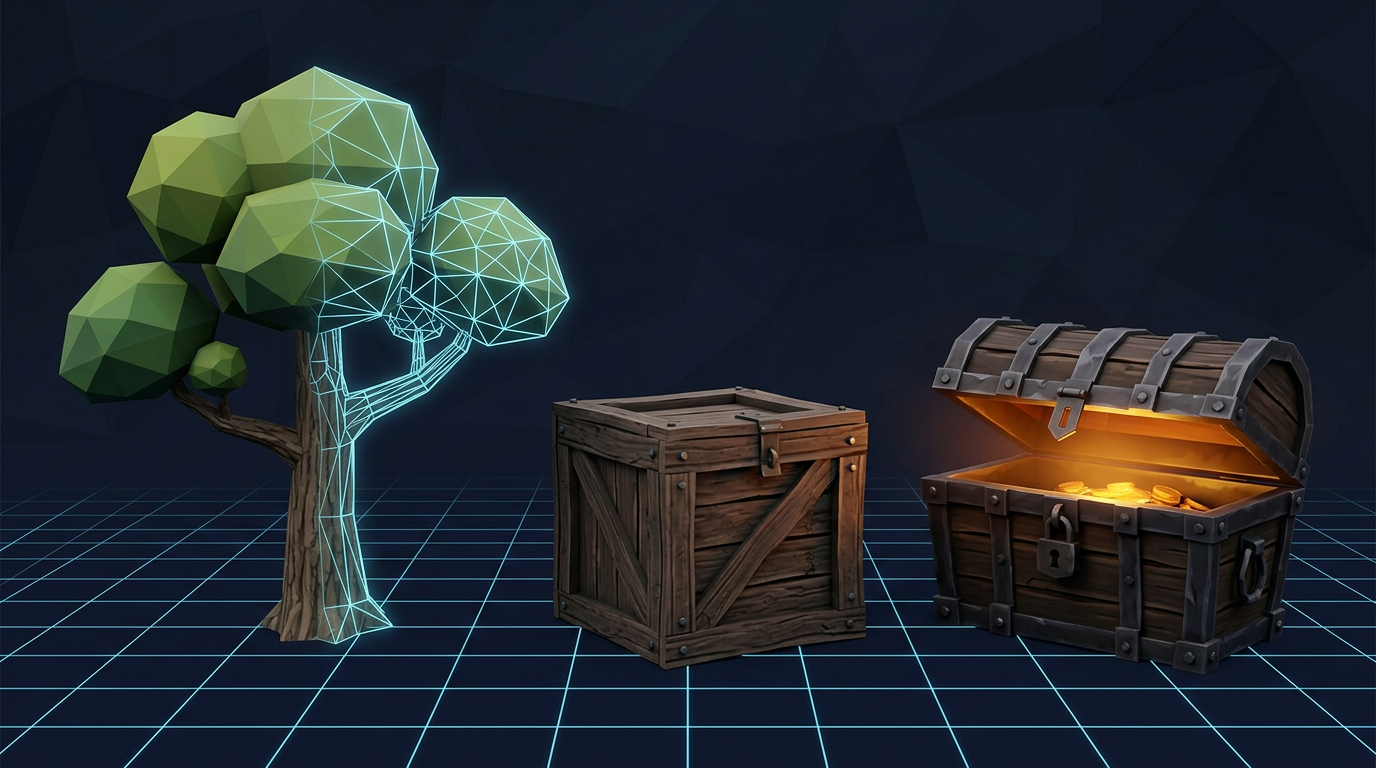
Game objects
Game makers build trees, cars and buildings in Blender, then place them in their games.
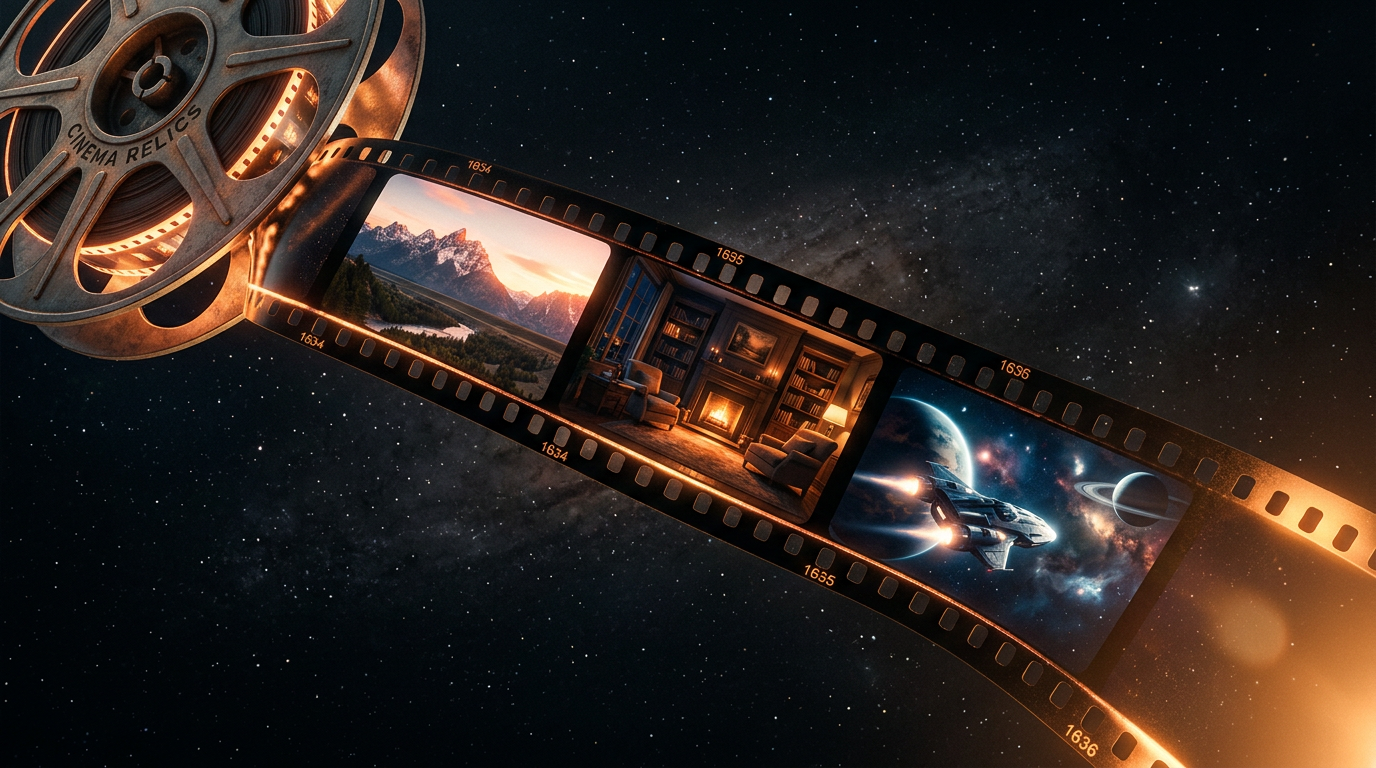
Videos and films
Build a scene, move the camera through it and save the result as a video.
Real Films Made with Blender
This surprises many people, but real films have been made with Blender, and some of them are very well known.
Flow
A wordless film about a cat trying to survive a flood, directed by Gints Zilbalodis. It was an independent film made with Blender. On 2 March 2025 it won the Oscar for Best Animated Feature, the first Oscar ever won by a Latvian film.
I Lost My Body
A French film from 2019, released on Netflix. It looks hand-drawn, but the team first made it in 3D with Blender. They then used Grease Pencil, Blender's tool for drawing 2D lines over 3D work, to draw over it. The film was nominated for an Oscar.
Next Gen
A Netflix film from 2018, made with Blender by Tangent Animation, a studio based in Toronto, Canada.
These teams had real skill and worked for a long time. But the program at the heart of their work is one you can download for free today.
Edit Videos Too
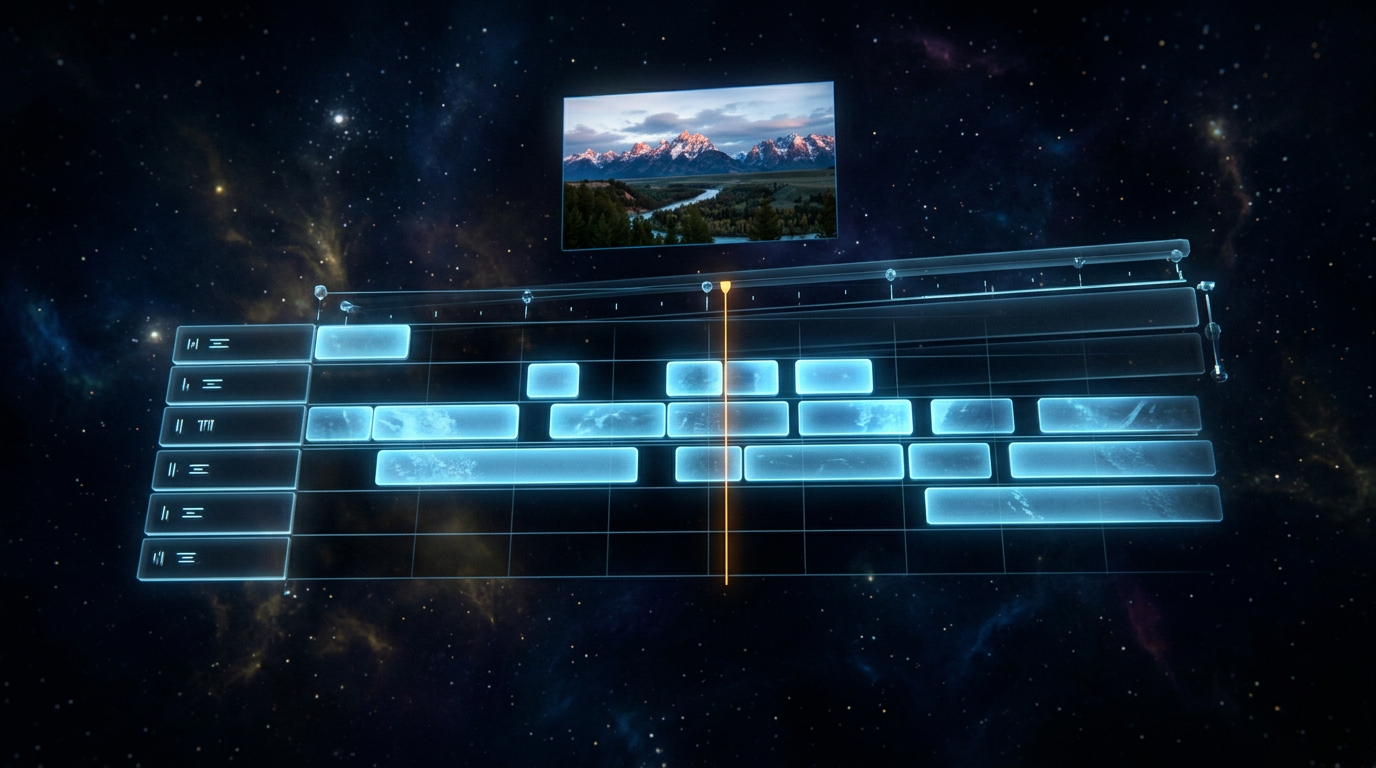
Blender also has a built-in video editor. You can cut and join clips, work on their colour, and mix the audio.
So one free program can help you build a scene, make it move and finish the video.
What you need
Blender works on a computer, not on a phone. You can read the lessons on your phone, then follow the steps on your computer. Blender is a large download, so use Wi-Fi if you can.
Where to Start
Do not start with a film. Start small.
First, learn to move around in 3D. Then build something simple, add colour and light, and take your first picture.
That is why I made Blender for Beginners. It is a free course. Each step is short, and it shows you the exact keys to press. You do not need any experience.
A free program, a computer and a little time are enough to start. Your first picture can begin today.
Tell a Friend
What would you like to make first: a picture, a cartoon, a game object or a short film? Share this post with someone who likes to create.
