YOLO Series Part 3: Counting Objects in a Video
- Date 8 September 2026
- Categories Computer Vision
- Comments 0 comment
You've run YOLO on a single photo. Now let's make it do something useful: count how many of something appear in a video, automatically.
The first post in this series explained what YOLO is. The second showed you how to run a pretrained model on a photo. This one puts those two things together into something with an actual purpose: a program that watches a video and counts objects in it, the same basic idea behind stock counting on a shelf or vehicles passing a camera.
You'll still only need Python, the Ultralytics library from the last post, and a short video file. No training, no extra setup.
What We're Actually Building
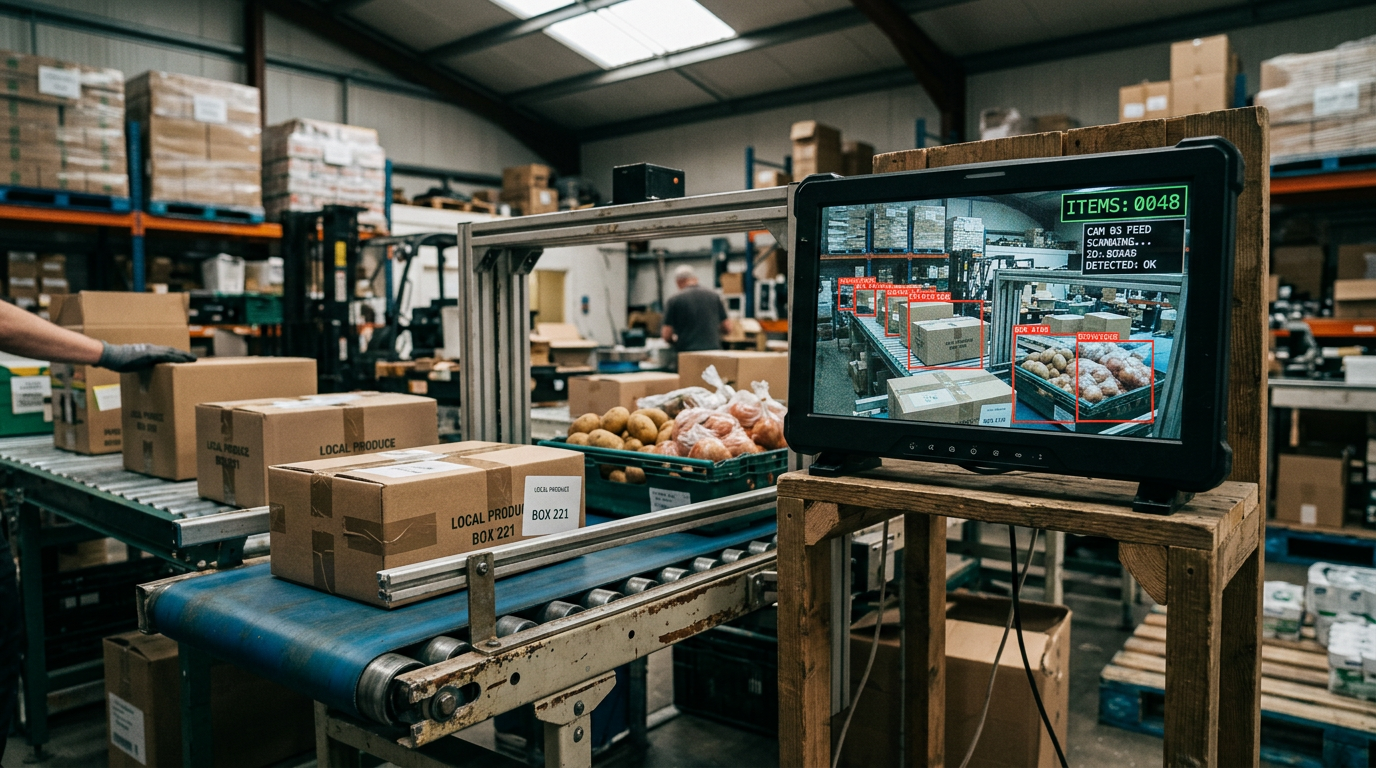
A short Python script that opens a video, runs YOLO on every frame, counts how many objects of a chosen type appear, and prints a running total as the video plays. It's a small project, but it's genuinely the same core idea behind real counting systems used in shops, warehouses, and on farms, just running on your own laptop instead of a warehouse camera.
What You'll Need
- The Ultralytics library, already installed if you followed the previous post. If not:
pip install ultralytics - A short video file, anything with people, cars, or other everyday objects moving through frame works well. Even a video filmed on your phone is fine.
- A few minutes to write and run the script.
Step 1: Load the Model and Video
from ultralytics import YOLO

model = YOLO("yolo11n.pt")
video_path = "your-video.mp4"
This is the same model-loading step from the last post. The only new thing is a video file instead of a single photo.
Step 2: Choose What to Count
A pretrained YOLO model already recognises 80 everyday categories, so you just need to pick one. This example counts people, but you could just as easily count cars, dogs, or bottles, anything already in that list of 80.
target_class = "person"Step 3: Process the Video Frame by Frame
results = model(video_path, stream=True)

for frame_result in results:
    names = frame_result.names
    boxes = frame_result.boxes
    count = 0
    for box in boxes:
        class_id = int(box.cls[0])
        if names[class_id] == target_class:
            count += 1
    print(f"People in this frame: {count}")
What's Actually Happening Here
The stream=True part tells YOLO to process the video one frame at a time instead of loading the whole thing into memory at once, important once you're working with video rather than a single image. For every frame, the script checks each detected object, and if its label matches what we're counting, it adds one to the total for that frame.
Making the Count Actually Useful
Printing a number for every single frame is a good first test, but it's not especially useful on its own. A small change makes it genuinely practical: keep track of the highest number of people seen in any single frame, a simple, meaningful measure of how busy a space got during the video.
max_count = 0

for frame_result in results:
    names = frame_result.names
    boxes = frame_result.boxes
    count = sum(1 for box in boxes if names[int(box.cls[0])] == target_class)
    max_count = max(max_count, count)

print(f"Most people seen in a single frame: {max_count}")
That's a genuinely useful piece of information, and it's built from nothing more exotic than a model, a loop, and a bit of everyday Python.
Where This Falls Short of a Real Product
Worth being honest about what this script doesn't do yet. It counts objects per frame, but it doesn't know if the person in frame 10 is the same person in frame 11, so it can't yet answer "how many different people walked through," only "how many were visible at once." It also has no way to run continuously on a live camera feed without slowing down badly on ordinary hardware, since nothing here has been optimised for speed.
Both of those, tracking individual objects across frames, and making detection fast enough to run live, are real, well-defined problems with established solutions. They're just outside the scope of a first project.
What You've Actually Learned
Across these three posts, you've gone from not knowing what YOLO is, to running it on a photo, to building a small working video analysis tool. That's a genuinely solid foundation, the same one professional computer vision work is built on, just without the speed and scale requirements a production system needs.

You may also like

Blink to Snap: The Future of Hands-Free Photography